Mute your mic with your AirPods: welcome to Mic Drop 3.0!
09 June 2026
by Sarah
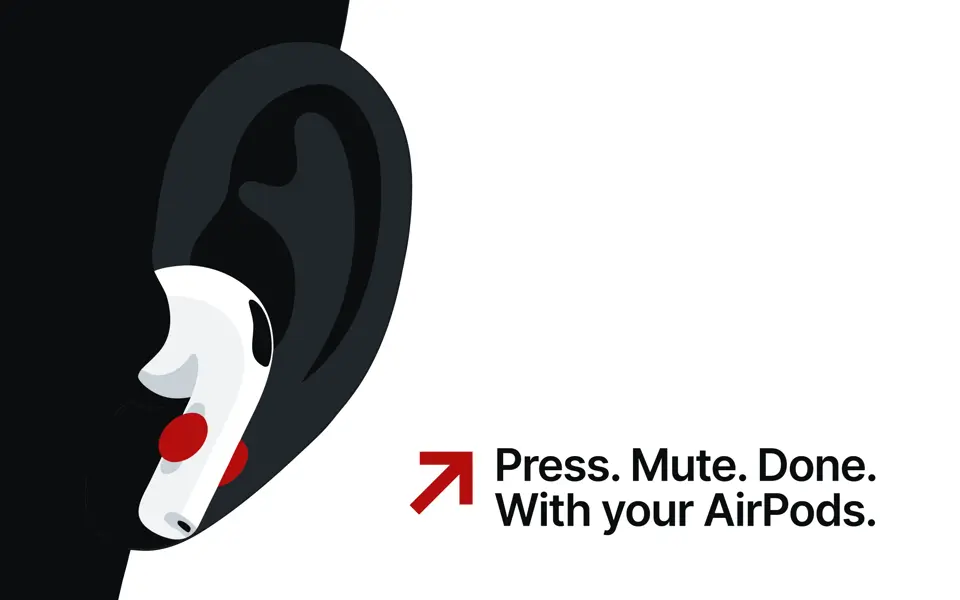
You asked, we delivered: you can now mute your microphone with Mic Drop by pressing your AirPods! ✨
You can try out the new AirPods Press to Mute feature by updating to Mic Drop 3.0, now available on the Mac App Store.
Turns out it was a bit trickier than we’d anticipated to make it work as seamlessly as you’ve come to expect from Mic Drop, so read on for more of the nitty-gritty details.
What’s new in this version
You can now mute your microphone by pressing the stem of your AirPods!
You can also give us an upvote on Product Hunt, but I’m not entirely sure humans are even allowed there anymore. 🦾
Also in this release:
- 🤖 new AppleScript commands for push-to-talk and Press to Mute
- 🎧 improved AirPods behaviour
- 🐞 a bunch of little bug fixes & crash fixes
- 💨 app optimisations: now faster & more energy-efficient!
What else should I know?
The AirPods Press to Mute feature is supported in any AirPods with a stem control:
- AirPods Pro 2+
- AirPods 4
- AirPods Max 1+ (using the Digital Crown button)
- PowerBeats Fit (using the Play/Pause button)
It works seamlessly with the following apps:
- Google Meet
- Signal
- Telegram
- Zoom (requires disabling a setting, see help page!)
It currently won’t work with:
- Facetime
- Microsoft Teams
- Phone
These apps use their own implementation of Press to Mute and will override Mic Drop’s. If we detect that you’re using one of these apps, we’ll disable the feature in Mic Drop while the other app is in use.
Finally, you may notice that Press to Mute triggers a banner notification every time you mute and unmute the microphone. Unfortunately, this is a limitation of macOS and cannot be disabled. They also appear in other apps that use Press to Mute. Since we can’t control these banners and they can sometimes be a bit delayed, it might seem like your mute is out of sync, but rest assured that what you see in Mic Drop is always the correct, up-to-date mute status. Mute changes happen immediately, even if Apple’s own UI is slower than ours. 😉
For more of the technical details, check out the Help with Press to Mute page.
What’s on the horizon
We have a few more improvements coming in the near future for Mic Drop:
- a Google Meet browser plug-in to hide that mute notice & improve integration
- a virtual microphone for incompatible devices—this will allow even currently incompatible devices to work with Mic Drop ✨
- internationalisation (Olá/Hallo/你好/Bonjour!)
- improved interoperability with other meeting apps
- statistics, so you can know how many times you’ve muted yourself
- an optional dock icon
These features will be released over the next year as we ensure everything is tested and working well.
Happy (AirPods) muting!
Back to all posts
Unsubscribe any time. We won’t ever share your information with anyone else. Privacy.
Made with and by Sarah and Matt