31 October 2026
Mic Drop 3.2: A Mic Check for every size, a Dock icon, and ten languages!
by Sarah
We’re not big on flashy features. When we release an app update, it’s often full of quality-of-life improvements that make Mic Drop work just a little bit better. The sort of things you might not notice at first, but make your workflow a little smoother. Things you send us emails about (thanks for making Mic Drop better! ❤️)
We really believe that the best software just works, and that’s what we’re always trying to do with Mic Drop.
3.2 was going to be one of those releases you were barely going to notice at all. But that changed somewhere along the way, and now we have to Announce Things™.
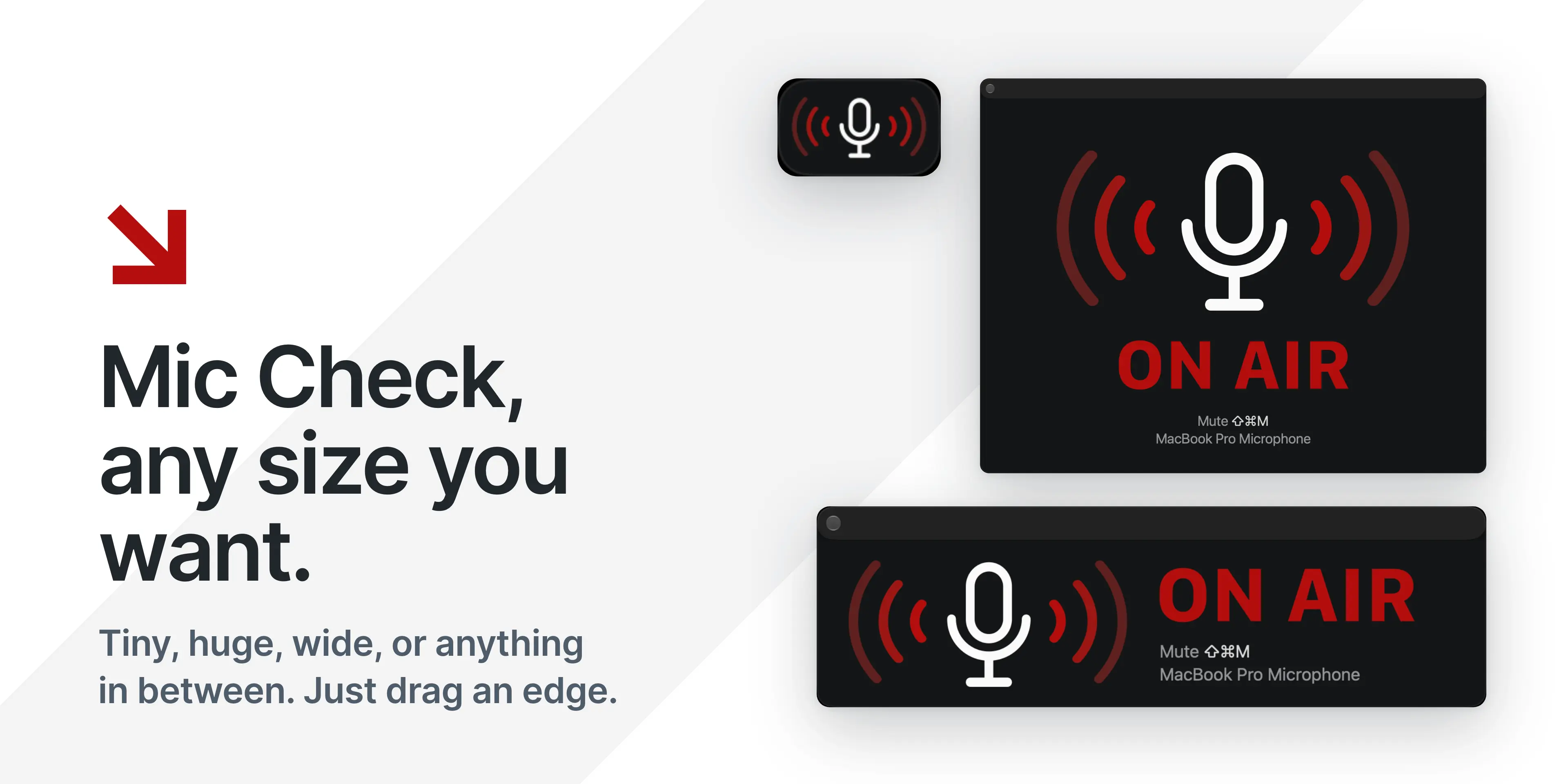
Mic Check, any size you like
Mic Check is the little floating window that shows your mute state, your current mic, and your live audio levels. If you’re an old-school Mic Drop user, you might remember it as the “status window.”
Until now, it came in five fixed sizes. In 3.2, you can resize it any way you’d like. Drag an edge or corner and the layout will adapt to fit.

It snaps to a preset size when you get near one. You can right-click (or Control-click) anywhere in the window to select a preset.
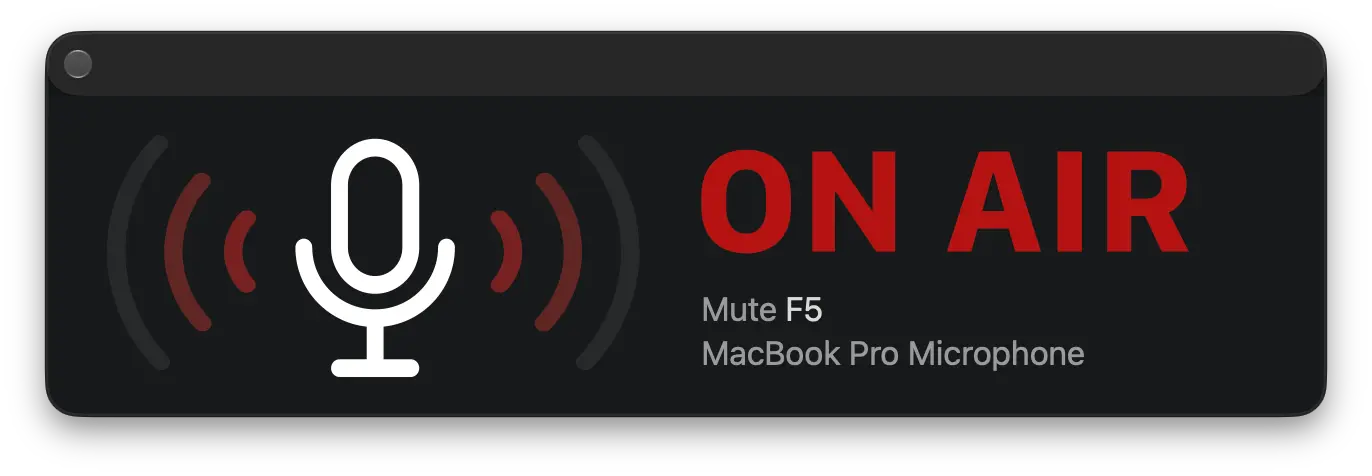
We’ve also added a new Wide size. It uses a side-by-side banner layout. Tuck it at the top or bottom of your screen and you’ll always know when you’re on air, without it covering up your work.

Tiny got smarter (and tinier!). It hides its title bar completely, and only shows the close button when you hover over it, so it doesn’t get in your way. It works a lot like Picture in Picture: a little floating microphone you can click to toggle, drag anywhere, and close when you’re done.
A few more things we fixed while we were in there:
- Mic Check doesn’t steal focus from the app you’re using.
- You can show it on all desktops, or assign it to just one.
- It remembers its size and position between launches.
- It works well with VoiceOver: the whole window is a mute button, and the close button is always available.
We’re speaking your language
We’ve been wanting to add localisations to Mic Drop for ages. And now, we’re excited to announce that we finally have!
Mic Drop now speaks ten languages: English, Chinese (Simplified), Dutch, French, German, Italian, Japanese, Portuguese (Brazilian and European), Russian, and Spanish. If there’s a language you’d love to see Mic Drop in, let us know and we can add it to the list for the next release.
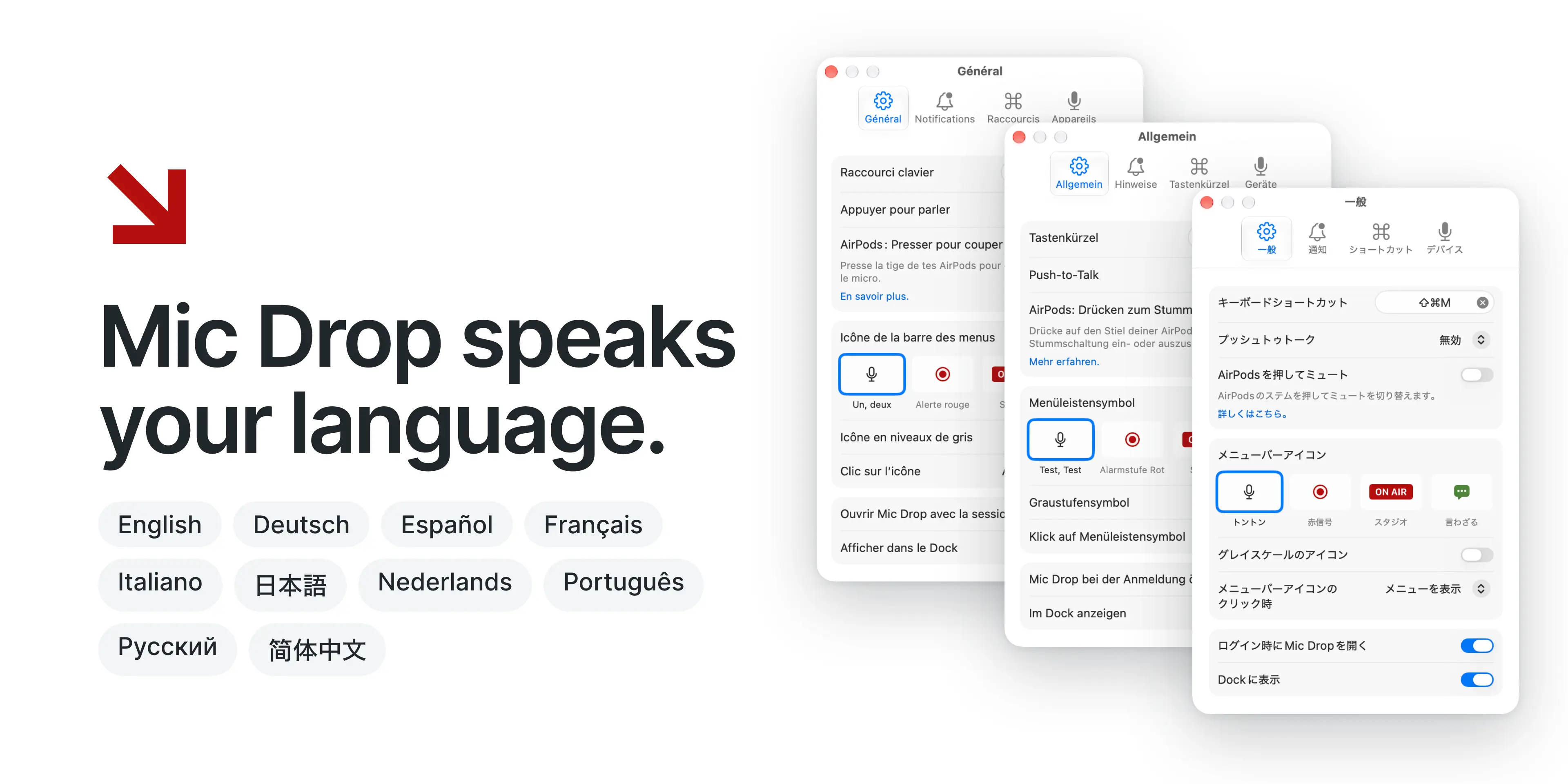
We’re a small team of two English-speaking humans who aren’t fully fluent in any other languages. If you spot any errors or issues anywhere, in Mic Drop itself or in any promotional materials, please drop us a line and let us know. We’ll get it fixed muito rápido!
Mic Drop in your Dock (if you want it there)
Mic Drop was designed to be a menu bar app first and foremost. But for those who have asked for a Dock icon: now we have one! A dot on the icon shows whenever your mic is live, so you can see your mute status in your Dock as well as the menu bar. A Dock icon also lets you assign Mic Drop to a particular desktop (right-click the icon, then choose Options › Assign To). Turn off Show on all desktops in Mic Check’s right-click menu, and Mic Check will stay on that desktop too.
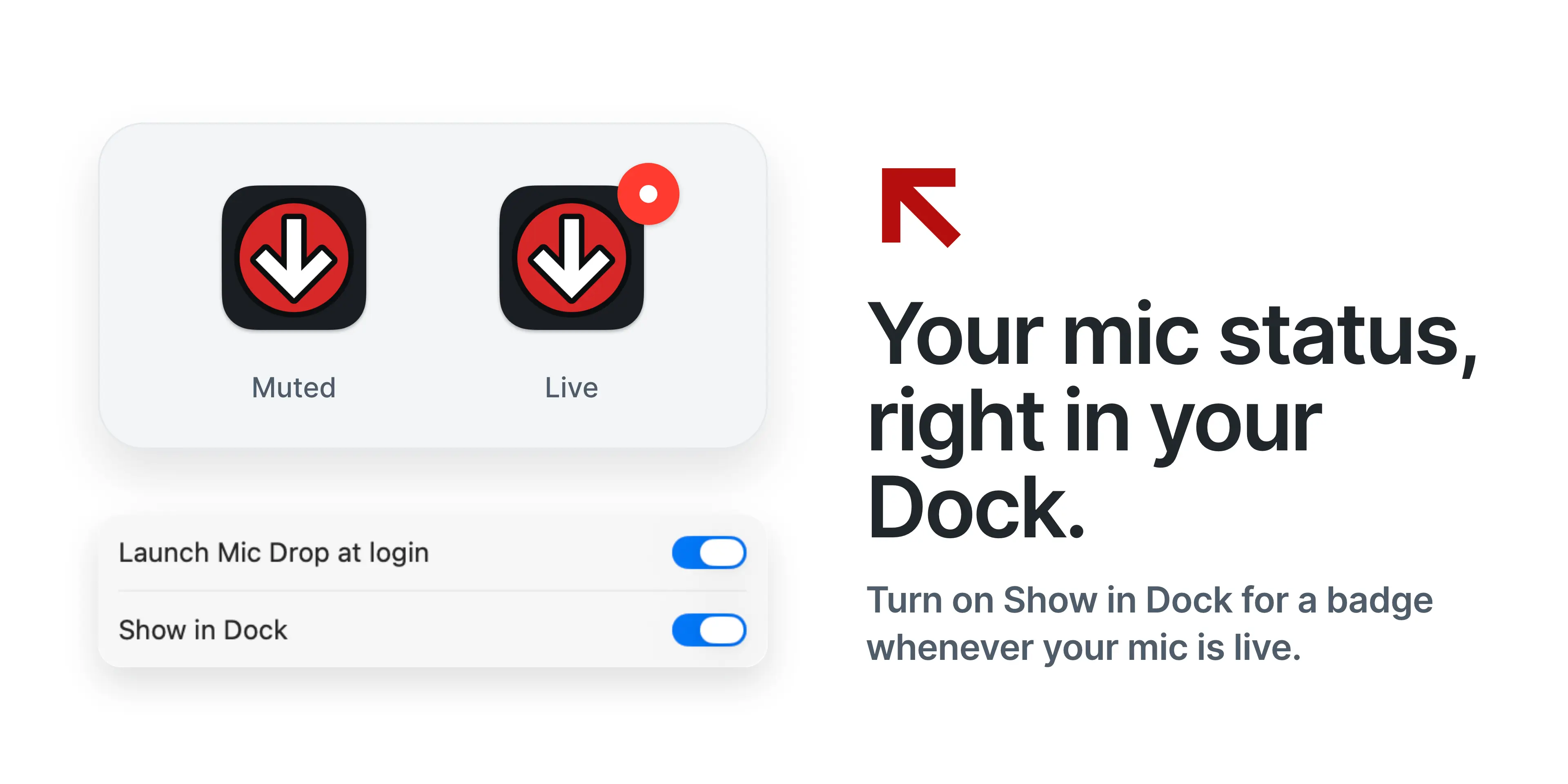
You can turn on Show in Dock in Mic Drop’s General settings. It’s off by default, so if you don’t need or want it, nothing changes.
One more thing…
3.2 lays the groundwork for another long-time to-do item: Mic Drop for Google Meet. If you’ve ever been irritated by that little pop-up telling you your mic has been muted by the system, you’re going to love this. It’s nothing fancy, just a Chrome extension that keeps Meet’s mute button in sync with Mic Drop, but it makes your meetings about a billion times better.
We’re testing it out right now, and we’d love your help. Find out more and sign up to test →
Get it now
Mic Drop 3.2 is a free update for everyone, available now on the Mac App Store.
We hope you love it! As always, if anything at all seems amiss, please do drop us a line to let us know—and thanks to our eagle-eyed testers for catching little issues before we shipped.